Acrobat Embroidery Design Review
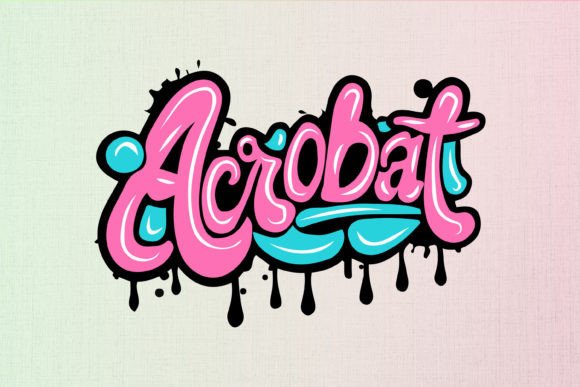
As a designer who’s worked with countless embroidery files, I always start by asking: does this design feel like it was made for real use? Acrobat is one that immediately catches the eye with its bold, graffiti-inspired lettering. It’s got that raw, urban vibe that screams “statement piece.” But what does that mean in practice? Let’s break it down.
The First Impression: Bold and Unapologetic
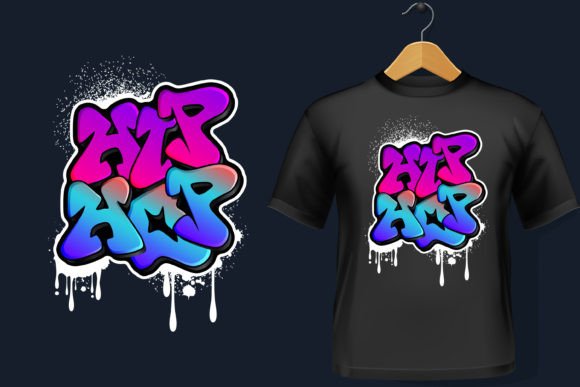
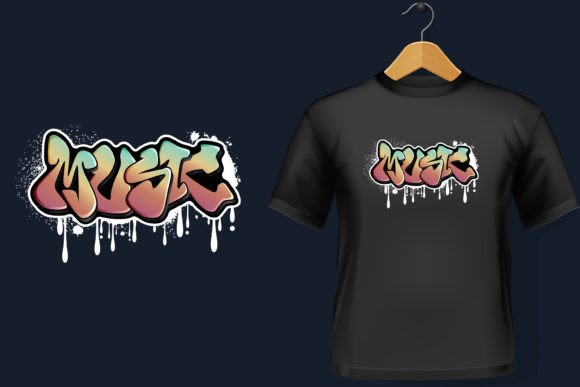
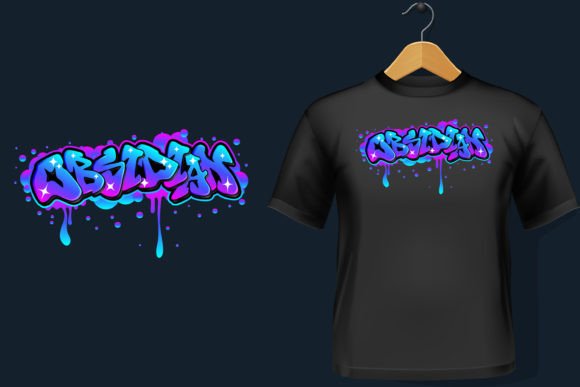
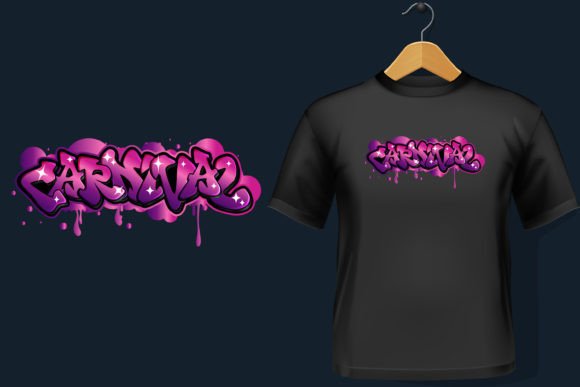
Acrobat’s visual personality is unmistakable. The typography is sharp, the layout feels intentional, and the overall composition has a dynamic energy that stands out. It’s not subtle, but that’s part of its charm. This isn’t a design for minimalists—it’s for those who want to make an impression. The detail level is high enough to work on larger projects, but it also has that graffiti flair that doesn’t get lost in translation.
If you’re looking for something that can turn a simple t-shirt into a conversation starter, Acrobat fits the bill. Its structure makes it ideal for custom apparel, especially when paired with a strong color contrast. But as with any bold design, it needs to be handled carefully to maintain its impact.
Real-World Use: Where Does Acrobat Shine?
I tested Acrobat on a few different projects, starting with a tote bag design. The size and scale worked well, and the vector files made it easy to adjust for different fabric types. When I used it on a sweatshirt, the design held up nicely, especially with proper stabilizer. It’s clear that the file was built with versatility in mind.
For baby items, like onesies or burp cloths, Acrobat could work if the lettering is simplified slightly. The design’s sharp edges might be too intense for delicate fabrics, but with some tweaks, it could still be a hit. As an embroidered patch, it would look great on jackets or backpacks, where the boldness can really stand out.
One thing to note: Acrobat is best suited for flat surfaces. Curved areas, like caps or hats, can be tricky. The design’s intricate details might not translate well to a rounded shape, so it’s worth testing before committing to a project.
Where to Be Cautious: Limitations and Considerations
While Acrobat is versatile, there are situations where it might not perform as expected. Small hoop sizes can be a problem—this design requires space to breathe. If you’re working with a tight hoop, parts of the design might get cut off or distorted.
Textured or stretchy fabrics can also be a challenge. The stitch density might cause puckering or distortion, especially on thin materials. Dark fabrics may require a different thread color to ensure visibility, and layered garments can complicate the stitching process.
For commercial use, it’s important to confirm the licensing terms before selling finished products. The design is 100% editable, which is great for customization, but make sure you understand what you’re allowed to do with it.
Visual Appeal and Customer Perception
When it comes to customer trust and handmade presentation, Acrobat has potential. A well-executed embroidery project using this design can elevate a product from basic to standout. It adds value, especially for small shop products or Etsy listings that rely on visual appeal.
But it’s not without risks. If the stitching isn’t done properly, the design can look messy or unprofessional. That’s why testing on scrap fabric first is crucial. Also, consider how it looks in black and white mockups—sometimes the contrast between elements can be misleading until you see it in real life.
For personalized gifts or holiday items, Acrobat can be a powerful tool. Its bold style works well for themed projects, like a birthday cap or a festive pillow cover. But again, it’s all about execution. A poorly stitched version of this design could turn a great idea into a disappointing finished product.
Practical Designer Notes: What to Check Before Using
Before jumping into a project, here are a few things I recommend checking:
- Test on scrap fabric: See how the design behaves on different materials.
- Check thread color contrast: Ensure the colors will stand out on your chosen fabric.
- Review stitch density: Acrobat’s detail level may require adjustments for certain fabrics.
- Confirm hoop size: Make sure the design fits within your machine’s capabilities.
- Inspect small details: Look for any areas that might be too fine for your machine.
- Compare light and dark backgrounds: Sometimes a design looks great on one color but not another.
- Use proper stabilizer: Especially important for stretchy or textured fabrics.
- Verify licensing: Ensure you can sell the finished product or digital file.
These steps help avoid common pitfalls and ensure that Acrobat lives up to its potential.
Final Thoughts: Is Acrobat Worth It?
Acrobat is a strong design for those who want to add a bold, graffiti-inspired touch to their embroidery projects. It’s well-suited for custom apparel, patches, and other wearable art. However, it’s not a one-size-fits-all solution. Its success depends on how it’s applied, the materials used, and the skill of the embroiderer.
For small business owners, Etsy sellers, and crafters, Acrobat offers a unique aesthetic that can set their products apart. But as with any digital embroidery file, it’s important to approach it with care and attention to detail. When done right, it can be a valuable addition to your design assets.